Year 6 · Citizenship · Money for secondary school · Lesson 2
Online spending and scams
Online spending and scams: in-app purchases and loot boxes, phishing, warning signs of scams, checking websites, and what to do if scammed.
13-minute video lesson
Teaching, worked examples and 20 practice questions solved step by step.
Watch free for a monthWhat your child will learn
- Explain in-app purchases
- Recognise scam warning signs
- Protect personal and card details
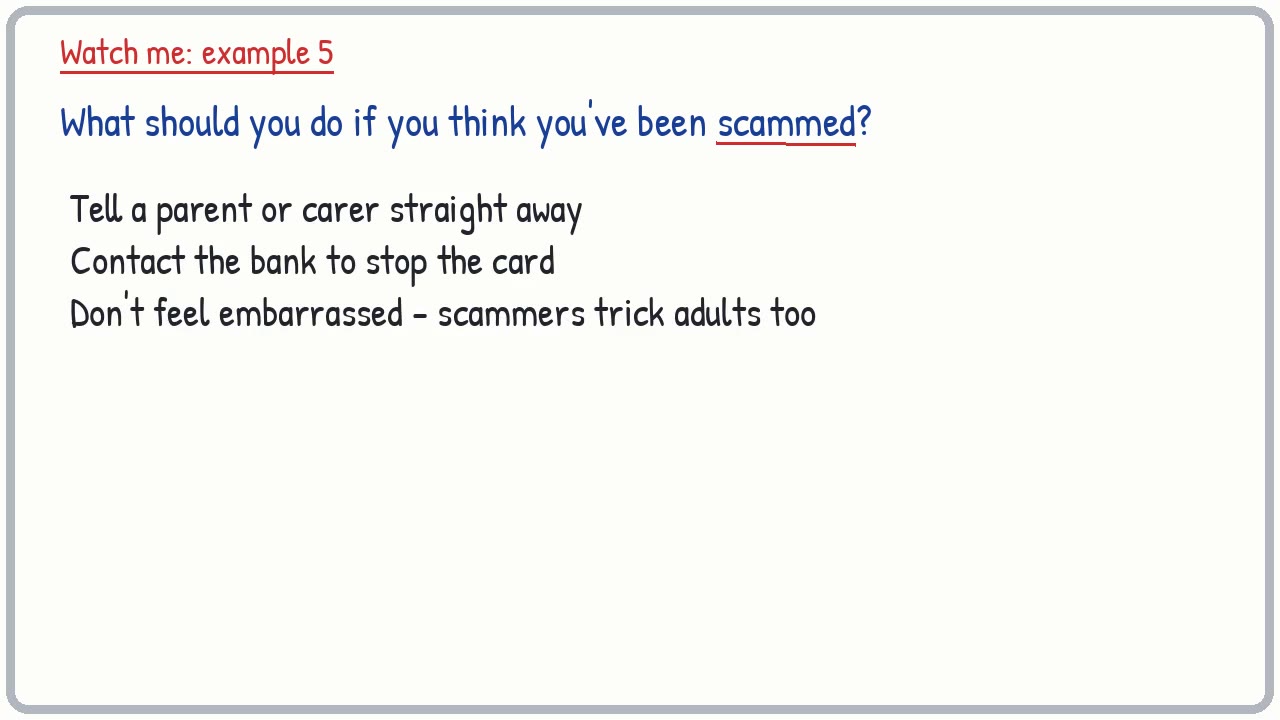
- Know what to do if scammed
The method
- Too good?
- Pressure?
- Details/secrecy?
- Tell an adult.
Key words: in-app purchase, scam, phishing, PIN, loot box, password.
Worked examples
The first three practice questions from the lesson, with every step.
Question 1
What is an in-app purchase?
- Step 1: Extras
Answer: buying extras inside an app or game
Question 2
Is money for in-app purchases real?
- Step 1: Yes
Answer: yes
Question 3
How can you stop accidental in-app purchases?
- Step 1: Password
Answer: turn them off or require a password