Year 6 · Computing · Online safety · Lesson 1
Your digital footprint
Digital footprints: what creates them, why posts can be permanent, keeping personal information private, privacy settings, passwords and the THINK test.
13-minute video lesson
Teaching, worked examples and 20 practice questions solved step by step.
Watch free for a monthWhat your child will learn
- Explain a digital footprint
- Identify personal information
- Use privacy settings and strong passwords
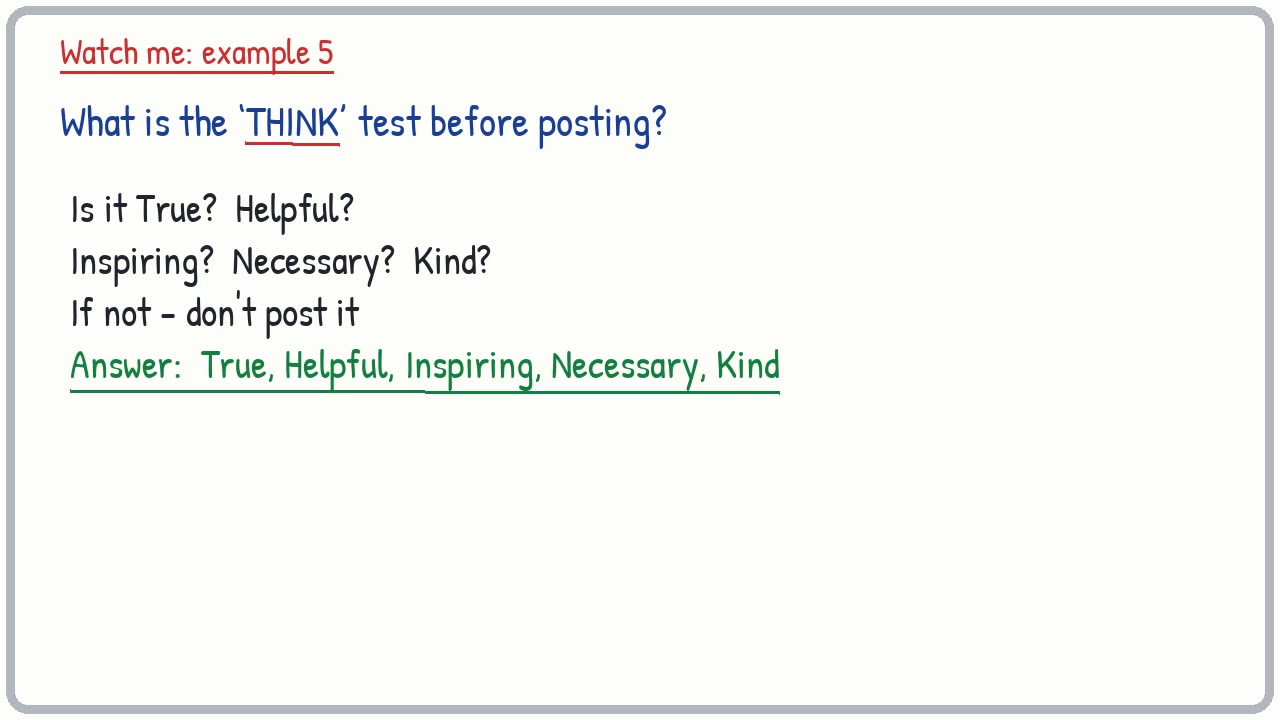
- Apply the THINK test
The method
- THINK.
- Personal info?
- Forever?
- Ask an adult.
Key words: digital footprint, privacy, personal information, password, THINK.
Worked examples
The first three practice questions from the lesson, with every step.
Question 1
What is a digital footprint?
- Step 1: Trail
Answer: the trail of information you leave online
Question 2
Name two things that add to your digital footprint.
- Step 1: Posts
Answer: posts, photos, comments, searches
Question 3
Can deleted posts still exist?
- Step 1: Screenshots
Answer: yes - others may have copied or screenshotted them