Year 8 · Design and technology · CAD and electronics · Lesson 2
Designing for the laser cutter
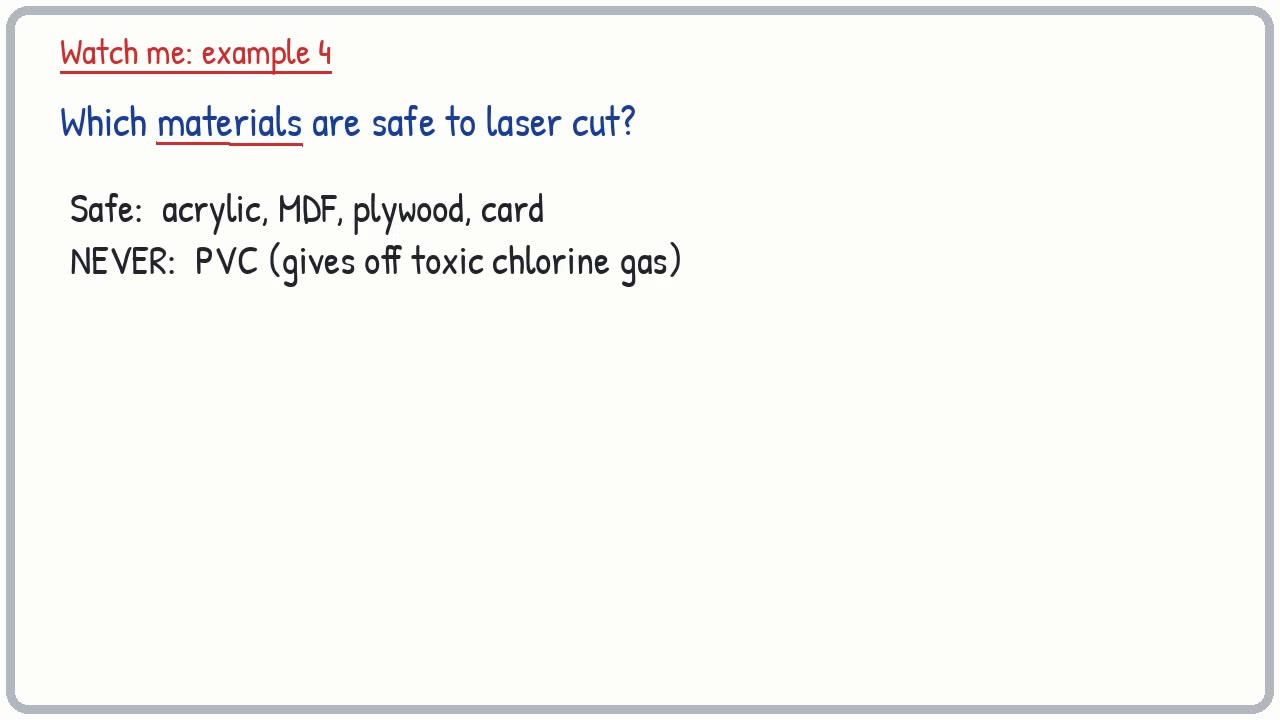
Designing in 2D CAD for the laser cutter: cut and engrave lines, safe materials (never PVC), finger joints, nesting to save material, kerf and test cuts.
17-minute video lesson
Teaching, worked examples and 20 practice questions solved step by step.
Watch free for a monthWhat your child will learn
- Explain how a laser cutter works
- Prepare cut and engrave lines
- Use finger joints and nesting
- Follow laser cutter safety
The method
- Cut outline.
- Engrave details.
- Nest.
- Check, test, supervise.
Key words: laser cutter, vector, engrave, finger joint, nesting, kerf, acrylic, MDF.
Worked examples
The first three practice questions from the lesson, with every step.
Question 1
What does a laser cutter use to cut?
- Step 1: Light
Answer: a focused laser beam
Question 2
What kind of CAD drawing does a laser cutter follow?
- Step 1: Flat
Answer: a 2D vector drawing
Question 3
What two jobs can a laser cutter do?
- Step 1: Through, or surface
Answer: cut and engrave